The answer is simple: match your outdoor light schedule to the sunset and sunrise times where you live, then check it a few times a year. Photocell and astronomical timers do most of that work for you, while a mechanical dial timer has to be reset about four times a year. Most of the job takes ten minutes, and the rest is knowing which clock to check.
Why bother? Because daylight moves a lot over the year. At most US latitudes, sunset shifts by roughly two to three hours between summer and winter. A schedule set in June leaves your lights burning through the whole morning in December, and one set in January has the walkway pitch dark when people are walking home at five.
Here is how to time outdoor lights seasonally, whether you have a low-voltage transformer, a plug-in outdoor timer, a solar path light, or a smart bulb on an app schedule.
Table of Contents
- What You Need
- Step-by-Step
- Step 1: Find Your Local Sunset and Sunrise Times
- Step 2: Set a Baseline Schedule
- Step 3: Adjust for Daylight Savings Time
- Step 4: Fine-Tune Through the Seasons
- Step 5: Check Safety and Energy Use
- Common Mistakes
- Why Are My Outdoor Lights On During the Day?
- Frequently Asked Questions
- Do outdoor light timers need to be changed for daylight saving time?
- How often should I adjust my outdoor light timer?
- Are solar garden lights better than timed outdoor lights?
- Is an astronomical timer better than a photocell for outdoor lights?
- Should I leave my outside lights on all night?
- What time should outdoor lights come on in winter?
What You Need
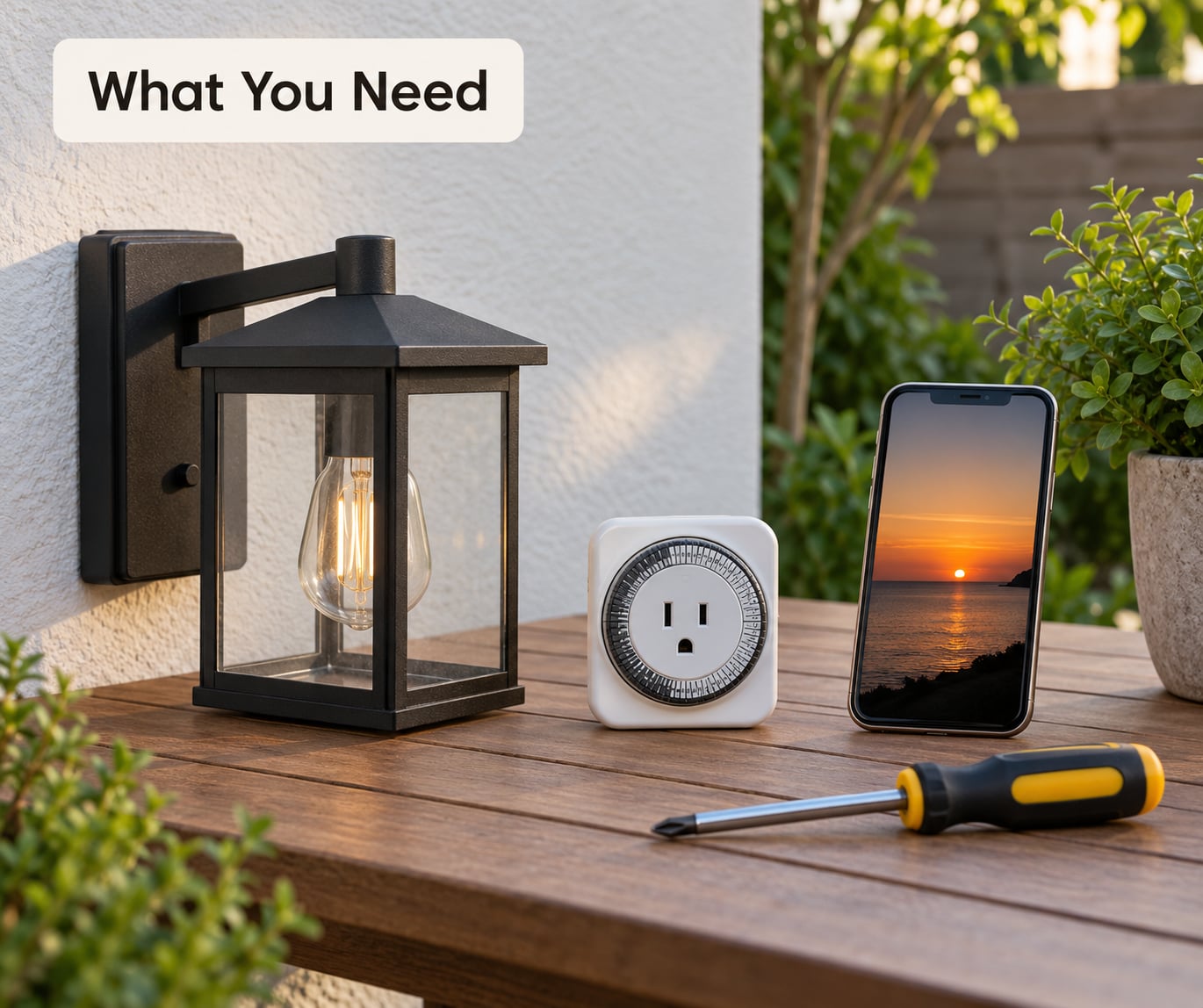
You need almost nothing. A phone with a weather or daylight app, a way to look up your city’s sunset and sunrise times, and access to whichever control runs your lights.
- A daylight source. Your phone’s weather app usually shows sunset and sunrise for your exact location, which is more useful than a national average.
- Access to the control. For low-voltage systems that is the transformer or timer, often in a garage, crawl space, utility closet, or an outdoor enclosure near the house.
- A phone or tablet if you use smart bulbs, smart plugs, or a hub.
- A basic screwdriver for mechanical dial timers with a clear cover, and a flashlight for dark enclosures.
Step-by-Step
Step 1: Find Your Local Sunset and Sunrise Times
Look up sunset and sunrise for your city and note three dates: today, the shortest day of the year in December, and the longest day in June. Local conditions beat a fixed clock time because a tree line, a west-facing wall, or a tall fence can make your garden get dark well before the official sunset.
A reliable local daylight source beats any generic schedule. If you want a second opinion, search your city name plus “sunset time” and compare a couple of sources.
Step 2: Set a Baseline Schedule
Start by turning your lights on 15 to 30 minutes before sunset, so the path is lit before anyone needs it. Then walk the route at night and check the spots that actually matter: front steps, the path from the driveway, the door handle and lock, and any uneven paving.
If a step is still hard to see, add a fixture or aim that light rather than running the whole system later. Dark patches at the bottom of stairs are the most common thing people miss.
Step 3: Adjust for Daylight Savings Time
Some devices follow the clock change on their own and some do not. Mechanical dial timers and basic plug-in timers have no idea daylight saving time exists, so their on and off times slide an hour out of place twice a year. Photocell sensors measure actual darkness, so they shift automatically.
Astronomical timers calculate sunset and sunrise from your date and location, and most models have a daylight saving time setting you enable once. Smart bulbs and hubs do the same thing if you turn the automatic clock option on. Check the manual for your model rather than assuming.
Step 4: Fine-Tune Through the Seasons
Aim for dusk-to-dawn, not calendar dates. Adjust the schedule when the light looks wrong on an ordinary evening, not on the first day of a new season. The table below shows roughly how far sunset and sunrise move at a mid-latitude US location, which is a decent starting point for most of the country.
| Season | Sunset | Sunrise | What to change |
|---|---|---|---|
| Winter (Dec-Feb) | Earliest of the year | Latest of the year | Turn on earlier, turn off later |
| Spring (Mar-May) | Moves later | Moves earlier | Shorten the on window |
| Summer (Jun-Aug) | Latest of the year | Earliest of the year | Turn on later, turn off earlier |
| Fall (Sep-Nov) | Moves earlier | Moves later | Lengthen the on window again |
If your timer has a dusk-to-dawn offset setting, use it. That way the light follows real darkness every day instead of needing a manual nudge each month. Northern locations see bigger swings between seasons than southern ones, which is exactly why a fixed clock time fails more often up north.
One thing to sort out if you combine this with solar path lights: solar lamps already sense darkness, so leave them on their own sensor instead of putting them behind a timer. Two competing controls on one circuit is how you end up with solar lamps switching off at midnight.
Step 5: Check Safety and Energy Use
Stand on the sidewalk or a neighbor’s driveway and check for glare. If your lights shine into a window across the street, aim the fixture or lower the brightness instead of simply running it later.
Then measure runtime. A 10-watt path system running 11 hours a night instead of 8 adds about 30 extra hours a month, and LED watt-hours are small but they are never zero. Cutting needless runtime is the easiest energy saving available.
Before touching any switch, timer, or transformer, switch off the breaker feeding it and confirm the circuit is dead with a tester. Outdoor-rated enclosures, ground faults, and wet locations are the job of a licensed electrician, and so is any wiring work inside the panel. Follow the instructions that came with your equipment.
Common Mistakes
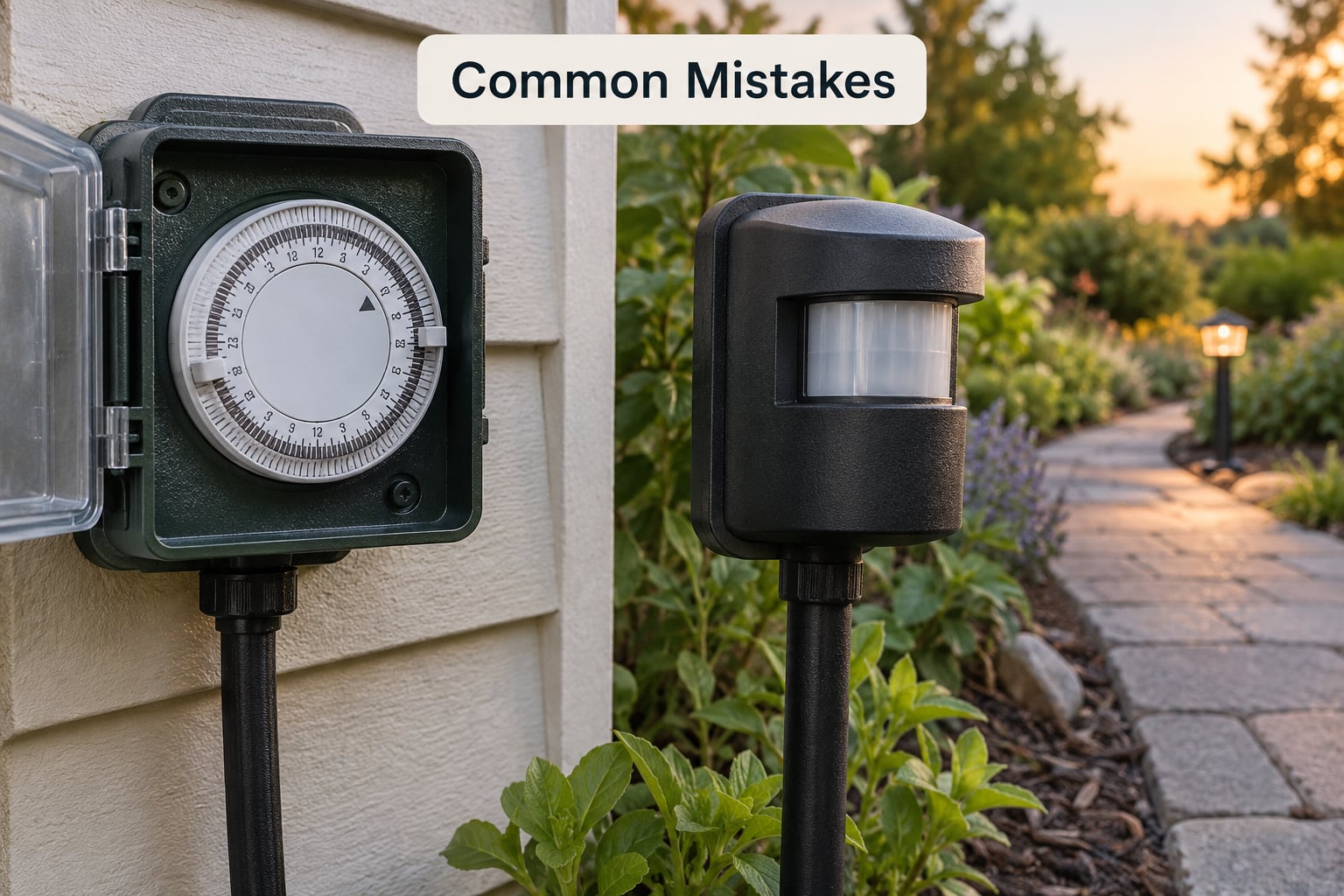
Most mistakes come from treating a timer as a set-and-forget device. Here are the ones people run into, with the fix for each.
- Using one clock time all year. Fix: switch to a photocell or astronomical timer, or move your reset reminder to four dates a year.
- Forgetting daylight saving time. Fix: enable the DST setting on astronomical timers and smart devices once, and note the two change dates for mechanical dials.
- Setting lights too late for steps and paths. Fix: start 15 to 30 minutes before sunset, then walk the route and adjust.
- Assuming sensors never drift. Fix: clean photocell lenses with a damp cloth each season. Dirt and grime make sensors trigger late or flicker on in daylight.
- Running every fixture on one schedule. Fix: put decorative display lighting on its own program, separate from safety lighting that needs to run longer.
Why Are My Outdoor Lights On During the Day?
Check these in order. It is almost always one of the first three.
- Your schedule drifted, usually by an hour after a daylight saving change that a mechanical or basic digital timer ignored.
- The photocell is covered by dirt, leaves, a spider web, or a new fixture housing shading it.
- The sensor is failing and chattering on and off through daylight.
- The dusk-to-dawn offset is set to the wrong side, so the light is scheduled to run hours after sunrise.
- A smart hub is offline and reverted to its last stored schedule.
- Somebody flipped the wall switch and left it that way.
Frequently Asked Questions
Do outdoor light timers need to be changed for daylight saving time?
It depends on the type. Mechanical dial timers and basic plug-in timers have no clock awareness, so their schedule slides an hour out of place twice a year and needs a manual reset. Photocell sensors detect real darkness and shift on their own. Astronomical timers calculate sunset and sunrise, and most have a daylight saving time setting you enable once. Smart bulbs and hubs adjust automatically if the option is turned on.
How often should I adjust my outdoor light timer?
For a mechanical or fixed digital timer, four times a year is realistic, and roughly every six weeks works even better if you want the timing tight. For a photocell, astronomical, or smart setup, a seasonal check is enough: clean the sensor lens, confirm the lights still switch at dusk, and update the location or program if you moved. The seasonal check takes about ten minutes.
Are solar garden lights better than timed outdoor lights?
Solar path lights use their own light sensor, so they need no timer and no seasonal adjustment. The trade-off is output and runtime: a small solar panel gives you a dimmer lamp that fades in cloudy weather, and shaded spots charge poorly. Mains or battery LED path lights give steadier light and stay predictable through winter. Many people run both, with solar lamps on their own sensor rather than behind a timer.
Is an astronomical timer better than a photocell for outdoor lights?
An astronomical timer calculates sunset and sunrise from your date and location, so it stays accurate regardless of cloud cover or whether a shaded fixture gets any light. A photocell just measures the brightness it sees, so a tree, wall, or dirty lens can make it switch on late. Astronomical timers need a one-time location and date entry. Photocells are simpler and self-adjusting, but dirty conditions affect them.
Should I leave my outside lights on all night?
That is a personal call. Running lights all night gives steadier security coverage and helps you find your keys when you get home, at the cost of runtime. A common compromise is to run bright path and entry lights from dusk to midnight, then switch to a dim or motion-activated setting for the rest of the night. Homeowners on forums often keep lights on overnight as a deterrent, especially when the yard would otherwise be dark and secluded.
What time should outdoor lights come on in winter?
Aim for dusk, not a clock time, which in practice means 15 to 30 minutes before your local sunset. Winter sunset is the earliest of the year, and if your lights wait until a summer clock time they come on long after it is dark. Many astronomical timers and smart apps let you set a dusk-to-dawn trigger so the schedule follows real darkness every day of the year.
Start tonight. Find the control that runs your outdoor lights, look up your local sunset, and set the on time to 15 minutes before it. Then set a reminder for six weeks out, and again for the daylight saving changes. If your setup is mechanical, that is the whole job. If it is a photocell or astronomical timer, you are done until the next seasonal check.