Standby power is the electricity a device draws while it is plugged in but switched off or idle, keeping its remote receiver, clock or charging circuit alive. To reduce it, you find the devices drawing power when they should be dead, cut them at the wall or with a switched power strip, and choose lower-standby replacements when they wear out. Most of the work takes one evening and a plug-in energy meter.
The name changes depending on who is talking. Utilities say standby loss, journalists say vampire power, and the technical term is phantom load. All three mean the same thing: current flowing through a device that is not doing anything useful for you right now.
It adds up because that current runs 24 hours a day. A single set-top box drawing 15 watts uses about 131 kilowatt-hours a year. A dozen small loads scattered around the house can quietly account for a few hundred kilowatt-hours, and nobody ever touches the wall switch that would have stopped them.
Here is the method I would follow, whether you rent a flat or own a house. Audit first, measure second, cut third, and only then go shopping.
Table of Contents
- What You Need
- How to Reduce Standby Power in the Home Step-by-Step
- Start With a Standby Power Audit
- Measure Hidden Loads With an Energy Meter
- Unplug or Switch Off Devices That Do Not Need Standby
- Use Smart Power Strips and Timers
- Choose Lower-Standby Equipment When Replacing Devices
- Check Lighting, Networking, and Always-On Systems
- Verify Savings and Avoid New Problems
- Common Mistakes at Each Step
- Common Mistakes to Avoid
- Frequently Asked Questions
- What is standby power, and which household devices use the most?
- How much money can I save by reducing standby power at home?
- Is it safe to unplug a television, router, or kitchen appliance every day?
- Do smart power strips actually reduce standby power?
- Should I turn off the breaker when I go on vacation?
- How do I find devices that consume power when switched off?
What You Need
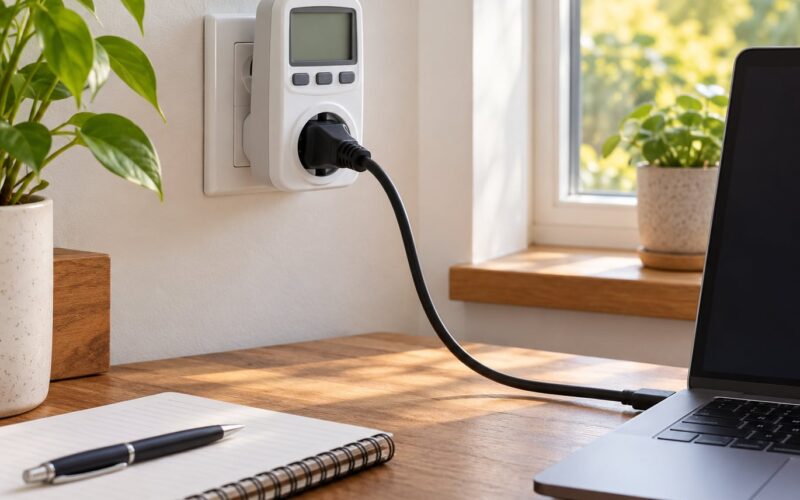
You need very little, and none of it requires touching a wire. The one item that pays for itself is a plug-in energy meter, also sold as a watt meter or energy monitor plug. It sits between the wall socket and the device and shows you the live wattage, so you stop guessing and start reading numbers.
A basic model that shows instantaneous watts is enough for this job. Some also accumulate kilowatt-hours and cost estimates over time, which is useful for the verification step later. A dedicated energy monitor that clamps onto your whole panel gives you a household total, but it is optional and costs more.
Other things worth having to hand:
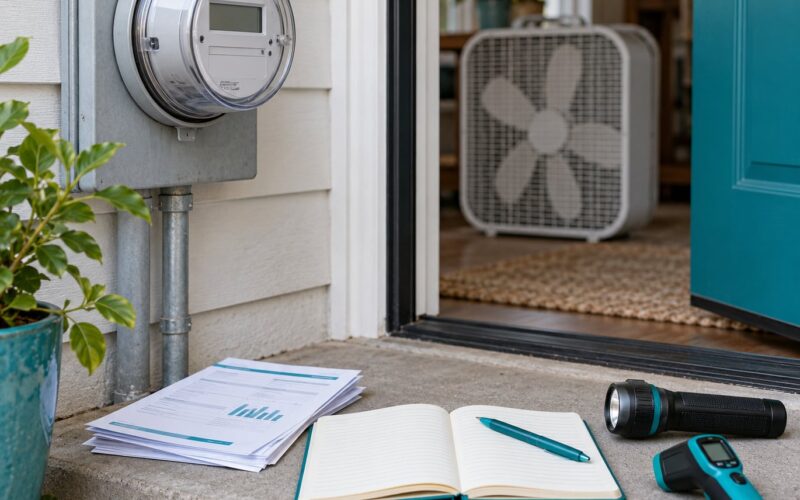
- A notebook or your phone, for the audit sheet and readings
- A lamp or phone torch, for behind-the-sofa sockets
- The manufacturer’s label or manual for anything you plan to switch off at the wall, so you know which functions you are giving up
- Access to your breaker panel, and to any extension leads in use
Two things you should not need. You do not need to rewire anything, and you do not need to open a single device. If a plan involves cutting into a socket or fitting a new circuit, hand that part to a licensed electrician.
How to Reduce Standby Power in the Home Step-by-Step
Start With a Standby Power Audit
Write down every room, every device with a plug, and what you actually expect of it. A five-column sheet works: room, device, estimated watts, hours used per day, and whether you suspect standby behaviour.
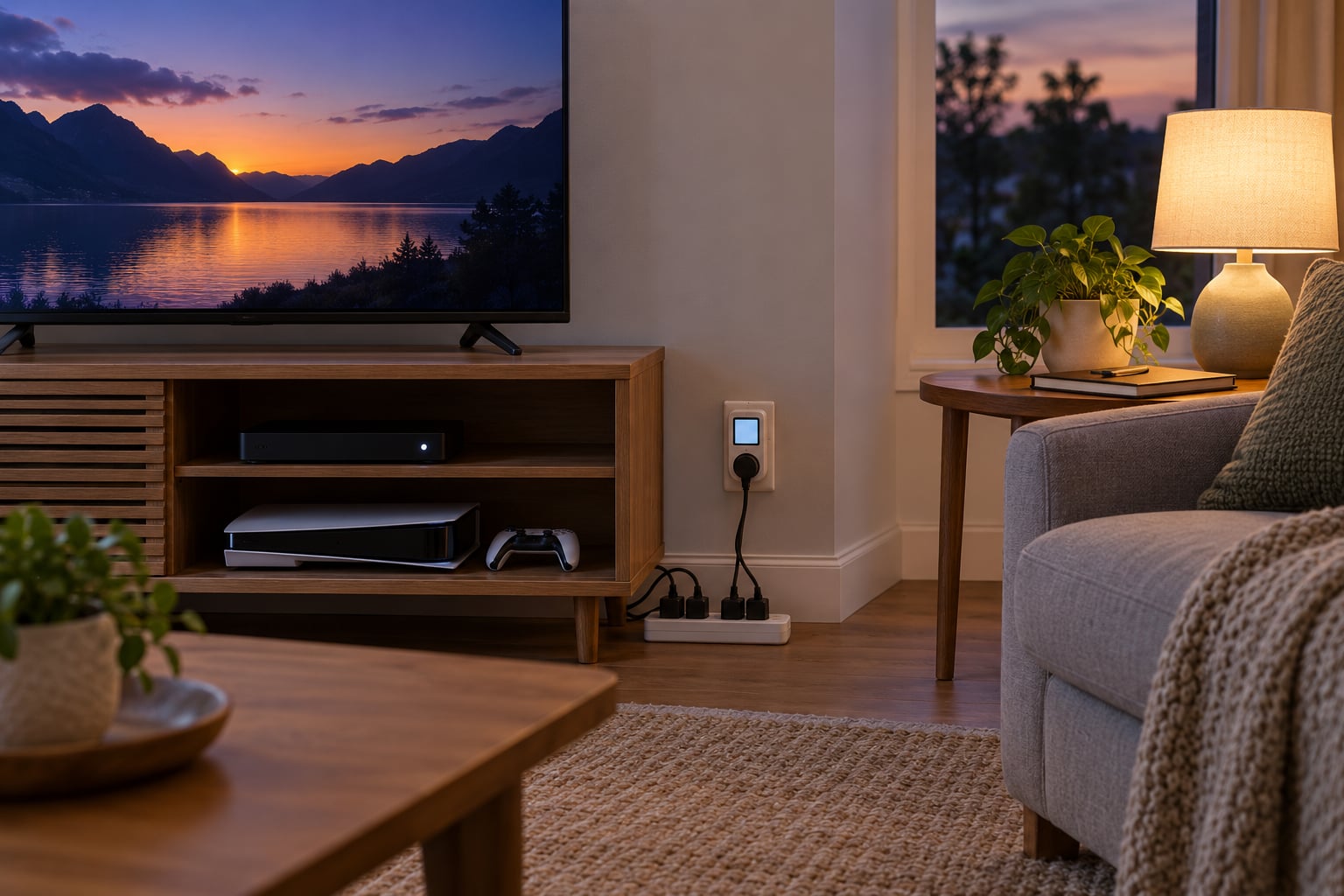
Work room by room rather than device by device. The reason is that phantom load clusters. One television sits with a set-top box, a soundbar, a games console and a DVD player, and that cluster is often the single biggest thing you can fix in the house.
Mark each entry with one of three decisions: switch off at the wall, automate it, or leave it alone. The third category is not a cop-out. Some equipment genuinely needs to stay powered, and finding that boundary early saves you from a house full of dead electronics.
Measure Hidden Loads With an Energy Meter
Plug the meter into the socket, plug the device into the meter, and let it settle for a minute or two before you read it. Switch the device to standby first, or turn it off with its remote, so you are measuring the load you actually want to kill.
Then test the categories that usually turn out to be heavy. Televisions and set-top boxes, chargers and laptop bricks with nothing connected, kitchen appliances with digital clocks, office equipment, and the networking gear that never sleeps.
These are typical ranges, not promises. Your meter reading is the one that counts.
| Device | Typical standby watts | kWh per year | Cost per year at about 17 cents per kWh |
|---|---|---|---|
| Television, screen off, instant-on mode | 0.5 to 3 W | 4 to 26 | 70 to 445 cents |
| Set-top or cable box | 10 to 20 W | 88 to 175 | 1,500 to 2,980 cents |
| Games console in rest mode | 10 to 15 W | 88 to 131 | 1,490 to 2,230 cents |
| DVR or recorder with hard drive running | 15 to 30 W | 131 to 263 | 2,230 to 4,470 cents |
| Microwave clock, oven off | 2 to 4 W | 17 to 35 | 295 to 595 cents |
| Router and modem, idle | 7 to 12 W | 61 to 105 | 1,040 to 1,790 cents |
| Desktop computer in sleep | 1 to 5 W | 9 to 44 | 150 to 745 cents |
| Inkjet printer, idle | 1 to 3 W | 9 to 26 | 150 to 445 cents |
| Laptop charger, nothing plugged in | 0.1 to 0.5 W | 1 to 4 | 15 to 75 cents |
| Phone charger, nothing plugged in | 0.05 to 0.3 W | 0.5 to 3 | 10 to 45 cents |
| Older plasma or early LCD television | 5 to 15 W | 44 to 131 | 745 to 2,230 cents |
Notice how the list is ordered by what is actually worth your evening. Chargers are the classic example of a small draw people feel bad about. A phone charger with nothing plugged in might use well under a watt, which is pennies over a year. A recorder with a spinning hard drive can be thirty times that.
Multiply any reading by 8.76 to get kilowatt-hours per year, then by your own electricity rate to get the annual cost. A 15-watt box at 17 cents per kilowatt-hour works out at about 2,230 cents a year. Do the same for everything in your audit sheet and the total tells you whether this is a hobby or a project.
Unplug or Switch Off Devices That Do Not Need Standby
Start where the clusters are. Entertainment centres, kitchen counters with small appliances, and the corner where the laptop chargers live. Unplugging is more effective than a remote’s off button, because the remote leaves the receiver powered so it can wake up instantly.
Some cuts are quick wins with no downside: an idle phone charger, a second television nobody watches, a printer between jobs, a coffee maker sitting on its warming plate, a games console that has not been touched in a month.
Others need a decision. A washing machine that has finished a cycle and has no more work to do is a clean switch-off. A television you watch every evening can be switched off at the wall, though you give up instant-on and any settings stored in volatile memory. Check the manual first, and expect a slightly longer startup.
Make it reachable. Forum discussion about this problem converges on the same point again and again: people are not lazy, the socket is simply behind a sofa or under a desk where nobody can find it. A switched power strip positioned where you can reach it solves more than willpower does.
Use Smart Power Strips and Timers
Once you know which devices belong together, a single switch for the whole group beats five separate actions. Four tool types cover almost every home.
| Tool | Relative cost | Setup effort | Best for |
|---|---|---|---|
| Switched power strip | Lowest | None | Entertainment centres and desk setups |
| Mechanical 24-hour timer | Low | Set the segments, nothing else | Lighting and decorations on a daily rhythm |
| Digital week timer | Low to moderate | Program the days and times | TV plus box, when the pattern changes week to week |
| Smart plug or app switch | Moderate | Pair the app, set schedules | Loads behind furniture or in hard-to-reach outlets |
| Whole-home energy monitor | Highest | Install at the panel or clamp the mains | Tracking the household total over months |
A worked example makes the timer case concrete. If you watch television from 7pm to 10pm and the set plus box draw 15 watts in standby, a timer set to power on from 6pm to 12pm cuts roughly 18 hours of standby a day. Over a year that is about 98 kilowatt-hours, or something in the region of 1,670 cents at 17 cents per kilowatt-hour.
Buy strips with the safety certifications appropriate to your country, and check the total load rating on the strip against everything plugged into it. A strip with surge protection is not the same thing as a strip with a master switch, though good ones often have both.
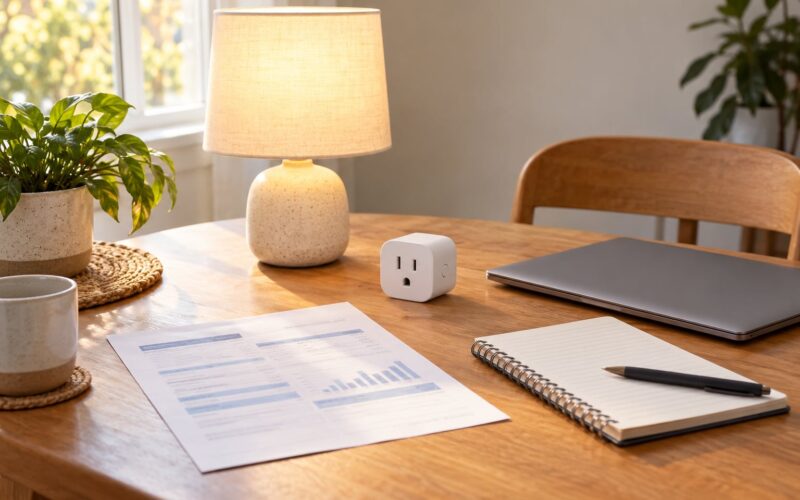
One caution: some smart plugs need mains power to stay reachable themselves, and always-on hubs and servers can add phantom load while you are busy removing it. Measure after you install, not before.
Choose Lower-Standby Equipment When Replacing Devices
Prevention beats weekly reminders. Every time you replace a television, set-top box, console or charger, you get a free chance to cut the standby load permanently.
Check three things before you buy. The standby or sleep wattage on the specification sheet, the sleep mode behaviour described in the manual, and whether the product carries an energy-efficiency label such as ENERGY STAR in North America or an ecodesign standby limit in the European Union and the United Kingdom. The IEC 62301 standard is the reference behind most of those standby limits.
Older plasma televisions and early LCD panels are the worst offenders, and replacing one of those often pays back faster than any amount of unplugging. So does a recorder with a spinning hard drive, if you can switch to a model that sleeps properly or use one you can schedule to sleep.
Consumers in the United States, Canada, the UK and Australia all have different labelling regimes and tariff structures, so the numbers that follow are US-centred. The habit transfers; the cents per kilowatt-hour do not.
Check Lighting, Networking, and Always-On Systems
Two areas get missed because they do not look like electronics. Powered decorations and LED controllers run quietly through the evening, and a home with a lot of seasonal lighting can carry several watts of decoration alone. Time them or move them onto a switched strip.
Networking gear is the other blind spot. A router and modem together often draw close to 10 watts around the clock. Cutting them saves real energy but kills your internet, so treat that one as a decision, not a chore. The same goes for a network-attached storage box, a home security system, a baby monitor and an uninterruptible power supply.
If you are trying to reduce standby power in a flat, check what is stacked behind your television before you check anything else. It is almost always the biggest single number in the room, and it is one switch.
Verify Savings and Avoid New Problems
Go back to the meter. Re-test the three devices you changed and compare the readings with your original sheet. That difference is your measured result, and it is far more convincing than any percentage you read online.
On the conflicting statistics you will meet: utility and government guidance commonly puts standby loss somewhere in the range of 5 to 13 percent of a typical household’s electricity use, while some widely quoted figures run as high as 25 percent. The higher numbers usually describe all the electricity wasted by devices left running or charging unnecessarily, not standby draw alone. Treat 5 to 13 percent as the honest ceiling for phantom load.
Then check you have not created a new problem. Power cycling is generally fine for modern electronics, but a device that loses settings or recordings in standby will disappoint you every time. A surge protector does not protect a device from being switched off and on; it protects from voltage spikes. And a timer or strip with a load beyond its rating is a fire risk, not a saving.
Common Mistakes at Each Step
Measuring too fast is the usual error. A meter reading taken in the first second often shows the device waking up rather than its true standby draw, so wait and let it settle. People also forget that some televisions apply an eco setting that drops standby draw substantially, and some consoles offer a rest mode that costs half as much as full standby.
The second error is treating every device the same way. Cutting power to something that must stay on is the fastest way to stop following the plan at all.
Common Mistakes to Avoid
Most people who abandon a standby reduction fail on the same handful of points. Here is each mistake and the fix that actually resolves it.
Assuming standby power is always large. Charger draw in particular is tiny, often a fraction of a watt. Fix: measure first and sort your list by size, so your limited evening goes to the loads worth several kilowatt-hours rather than the ones that feel embarrassing.
Unplugging essential equipment. Refrigerators and freezers need to stay on. Routers, modems, security systems, network storage, medical equipment and anything with a clock you rely on are poor candidates. Fix: write the keep-on list first, physically separate it from the cut list, and never batch-cut a whole circuit blindly.
Using unsuitable extension leads. Overloading a lead, running it under a rug or daisy-chaining strips creates a genuine fire hazard. Fix: keep loads well within the rating printed on the lead and the strip, and buy a strip with a master switch and surge protection rather than a cheap unrated block.
Focusing on one room. The living room is not the whole house. Fix: finish the audit sheet for every room, including the kitchen, the bedroom, the home office and the garage, before you decide you are done.
Relying on willpower for a nightly habit. This is the habit that fades. Fix: attach the cut-off to something you already do, or hand it to a timer, a smart plug or a switch at the wall that is actually in reach.
To keep the savings, re-measure every few months and whenever you change something. New devices arrive, and a smart home setup that grows quietly adds always-on hubs of its own. A ten-minute check at the start of each heating season is enough to catch a regression.
Frequently Asked Questions
What is standby power, and which household devices use the most?
Standby power is the small current a device draws while it is plugged in but switched off or idle, keeping its remote receiver, clock or charging circuit alive. The biggest household offenders are set-top and cable boxes, recorders with spinning hard drives, games consoles in rest mode, router and modem pairs, and older plasma or early LCD televisions. Phone and laptop chargers are the smallest, usually under one watt combined.
How much money can I save by reducing standby power at home?
Utility and government guidance commonly puts standby loss at around 5 to 13 percent of a typical household’s electricity use. Higher figures of up to 25 percent are quoted, but those usually cover all wasted electricity rather than standby alone. A single 15-watt set-top box costs roughly 2,230 cents a year at 17 cents per kilowatt-hour, so several clusters add up to a meaningful slice of a bill.
Is it safe to unplug a television, router, or kitchen appliance every day?
For most modern electronics, daily power cycling is safe and will not shorten lifespan. A few things are the exceptions: anything with a mechanical clock, a device that stores settings only in memory, and equipment with a hard drive that is still writing. Check the manual, switch off through the remote first and let the device finish its shutdown cycle before cutting power at the wall.
Do smart power strips actually reduce standby power?
Yes, a switched power strip does exactly what pulling the plug does, because it cuts mains power to everything downstream. Timers and app-controlled smart plugs do the same thing on a schedule. Watch two details: some smart plugs draw a small amount themselves to stay reachable, and always-on hubs can add phantom load while you remove it, so measure the result rather than trusting the app.
Should I turn off the breaker when I go on vacation?
Turning off a branch circuit before a long trip is reasonable, but check what is on it first, because a shared circuit may feed a refrigerator or a freezer. Switching off the main supply stops standby draw across the whole home and gives you a clean reconnection, though anything with a mechanical clock will lose its time and need resetting. Never work on the panel itself.
How do I find devices that consume power when switched off?
Use a plug-in energy meter, also sold as a watt meter or energy monitor plug. Put it between the socket and the device, turn the device off with its remote, wait a minute for the reading to settle, and note the watts. Multiply by 8.76 for kilowatt-hours per year. Sort the list by size and start with the clusters that draw the most.
Start tonight with the entertainment centre. Plug in a meter, read what the television, box and console draw while idle, and put them all on one switched strip. That single evening gives you a measured number instead of a guess, and once you have that number the rest of the house gets a lot easier to prioritise.