Depth of discharge in home batteries is the share of a battery’s rated capacity that has been used up. A home battery sitting at 20% state of charge has reached 80% depth of discharge, and the battery management system is meant to stop before it goes further. Depth of discharge, usually shortened to DoD, is the number that tells you how much energy you can actually pull from a labelled capacity during an outage or a daily solar cycle.
The reason it matters comes down to one gap: the kWh printed on the front of a home battery is not the kWh you get to use. Rated capacity is the nameplate figure measured under lab conditions. Usable capacity is what remains after you subtract the manufacturer’s discharge limit, the inverter’s own cutoff and losses along the way. A spec sheet listing 13.5 kWh with an 80% DoD rating gives you 10.8 kWh in practice.
Below is what depth of discharge actually means, how to work it out from a number you already have, and what to look at on a home battery before you commit to one.
Table of Contents
- What Is Depth of Discharge in Home Batteries?
- Why the nameplate number is never the number you use
- How Do You Calculate Battery Depth of Discharge?
- The five-step calculation in kilowatt-hours
- The same calculation in amp-hours
- Why your app never shows the full 0 to 100 range
- Why Does Depth of Discharge Affect Battery Life?
- What a cycle actually is
- The other things that wear a battery out
- What Is the Recommended Depth of Discharge by Battery Type?
- Reading the cycle-life footnote
- What happens on over-discharge
- How Much Usable Capacity Does a Home Battery Have?
- How Do You Choose a Depth of Discharge for Solar Backup?
- Start from your loads, not the battery
- Read the usable capacity, not the nameplate
- Check the warranty conditions
- Find the reserve setting and leave headroom
- Do not set it to the maximum by default
- Depth of Discharge for Home Batteries: Common Mistakes
- Frequently Asked Questions
- Is a lower depth of discharge always better for a home battery?
- What does 80% depth of discharge mean?
- Does a higher depth of discharge shorten battery life?
- Is depth of discharge the same as discharge rate?
- Why does my home battery app never show 0% or 100%?
- How do I change the depth of discharge on my home battery?
- Conclusion
What Is Depth of Discharge in Home Batteries?
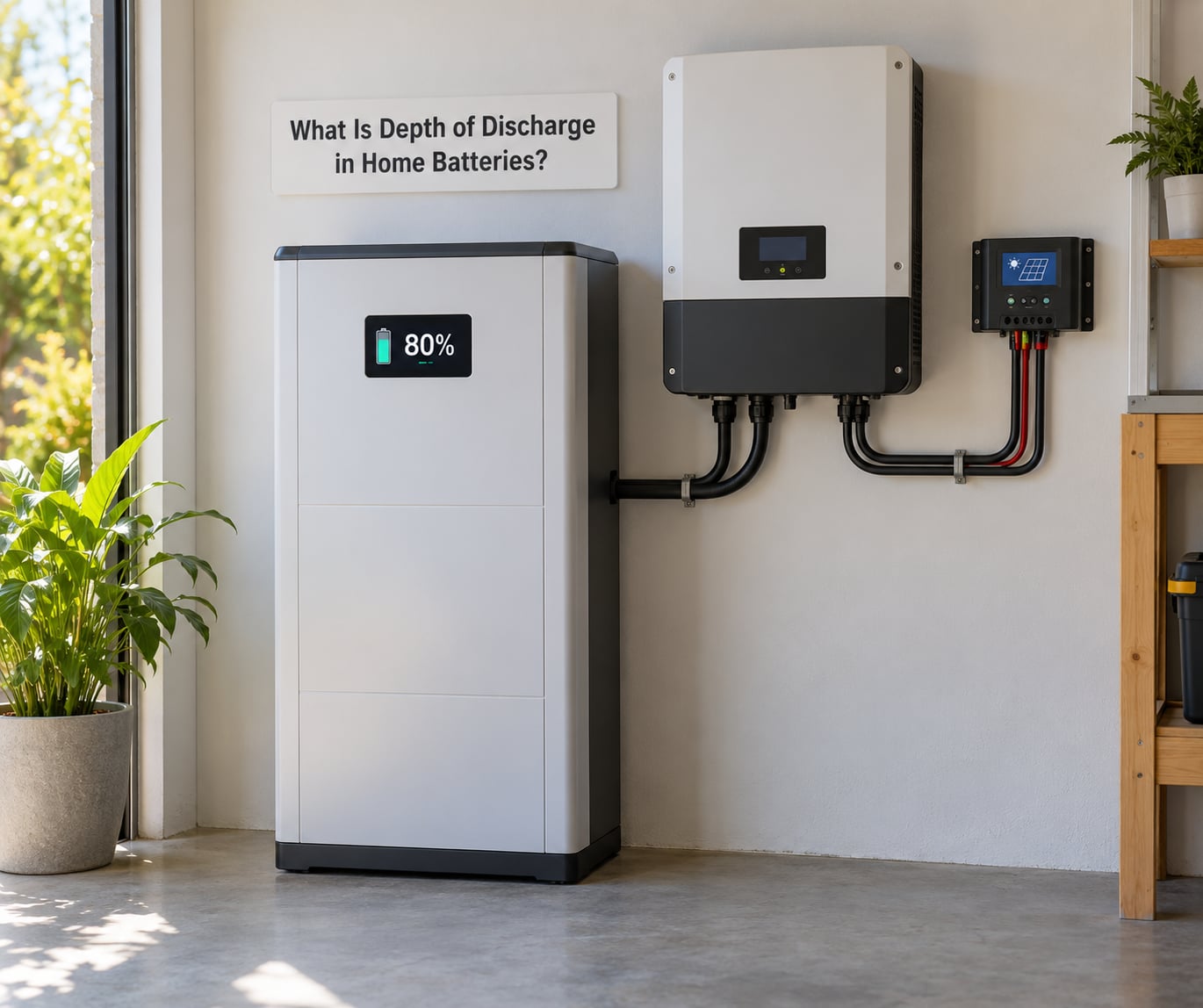
Depth of discharge is the percentage of a battery’s total rated capacity that has been discharged from full. A home battery drained from 100% to 20% state of charge has reached 80% depth of discharge. The two measurements are mirror images of each other, so the calculation is simple: DoD equals 100% minus state of charge.
That complement relationship trips up most people. State of charge (SoC) tells you how much charge remains. Depth of discharge tells you how much has already gone. When your app shows 60% on the screen, that is 60% state of charge, which equals 40% depth of discharge. Nobody reaches 100% DoD in normal operation, because the control system cuts in first.
Why the nameplate number is never the number you use
Manufacturers rate capacity at a specific test temperature, a specific charge rate and a specific cut-off voltage. Your garage or utility room is rarely any of those things. On top of the rated figure, two limits apply before you touch a single watt.
The first is the chemistry’s safe discharge limit, set by the cell maker and enforced by the battery management system. Going past it triggers over-discharge, and lead-acid cells suffer sulfation while lithium cells grow their SEI layer faster than they should. The second limit is the inverter’s own reserve setting, which is often more conservative than the battery can handle.
So when a datasheet says 80% DoD on a 13.5 kWh battery, the usable capacity is 13.5 multiplied by 0.80, or 10.8 kWh. Invert that around and a 10 kWh usable target needs a nameplate closer to 12.5 kWh at that limit.
How Do You Calculate Battery Depth of Discharge?
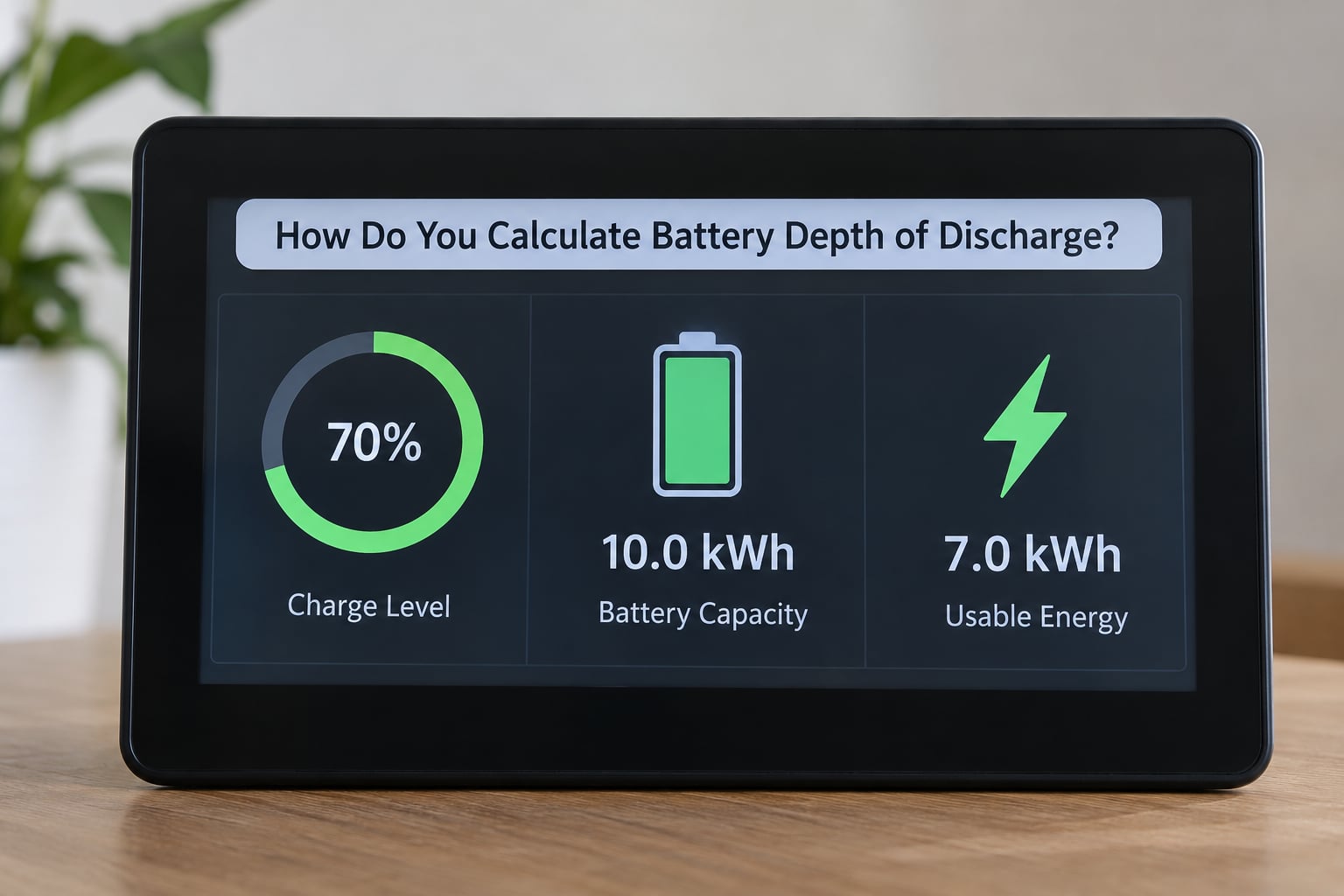
There are two ways to do this. Read the DoD straight off the inverter or battery app, or work it out yourself from rated capacity and the energy you have drawn. The manual method is worth knowing because it is the only one that tells you what you actually used rather than what the estimate says.
The five-step calculation in kilowatt-hours
Work through these five steps using a hypothetical 10 kWh home battery with a rated DoD limit of 90%.
- Find the rated capacity. Take the nameplate figure from the datasheet or the label, in this case 10 kWh.
- Convert it to usable capacity. Multiply by the maximum DoD: 10 kWh times 0.90 gives 9 kWh usable.
- Read the current state of charge. The app reports it as a percentage. Suppose the battery is at 55%.
- Subtract to get depth of discharge. 100% minus 55% gives 45% DoD, which has already been drawn from the battery.
- Multiply by usable capacity for energy used. 9 kWh times 0.45 gives 4.05 kWh discharged, leaving 4.95 kWh.
Run the same battery through the other end and the numbers stop being abstract. At 100% SoC it holds 9 kWh usable. At 20% SoC it holds 1.8 kWh. The jump from 20% to 10% state of charge looks like a small change on the app, but it moves 900 watt-hours out of a 9 kWh usable reserve in one step.
The same calculation in amp-hours
Older lead-acid banks and some off-grid systems are still specified in amp-hours, and the math works identically. Take a 200 Ah bank discharging at 50 amps for two hours. That is 100 Ah removed, or half the bank, so 50% depth of discharge.
Convert to watt-hours with V times Ah if you need to compare against a lithium system: a 12 V 200 Ah bank is 2,400 Wh, and at 50% DoD that leaves 1,200 Wh of draw available.
Why your app never shows the full 0 to 100 range
This comes up constantly on solar forums and it is not a fault. Reserve is deliberately hidden. The inverter holds back energy for its own restart, the battery keeps a floor above the cell cut-off voltage, and the app shows the usable window rather than the cell window. Someone reading 10% on a 10 kWh battery that is at 90% depth of discharge is seeing the battery at the bottom of its safe band, not empty.
Why Does Depth of Discharge Affect Battery Life?
Deeper cycles deliver more usable energy per cycle and age the cells faster. Shallower cycles stretch the calendar life but hand you less reserve every time the sun goes down. That trade-off is the whole game, and the ratio between the two is steep enough that chemistry matters more than the setting.
What a cycle actually is
One cycle is one full trip from charged to discharged and back, or an equivalent amount of partial use. Half a cycle at 50% DoD used twice a day adds up to roughly 730 full cycles in a year. Cycle life on a datasheet counts those equivalents until the battery reaches about 80% of its original capacity, usually written as cycles to 80% state of health.
DoD per cycle and total cycles move in opposite directions, and typical published ranges show the size of that swing clearly.
| Depth of discharge per cycle | Lead-acid cycles to 80% SoH | LiFePO4 cycles to 80% SoH |
|---|---|---|
| 20% | 1,500 to 2,000 | 10,000 or more |
| 30% | 1,000 to 1,500 | 8,000 to 10,000 |
| 50% | 500 to 750 | 6,000 to 8,000 |
| 80% | 300 or fewer | 4,000 to 6,000 |
| 90% | Not recommended | 2,000 to 4,000 |
Those are ranges rather than promises, and the spread comes from cell grade, temperature and how the manufacturer counts a cycle. The pattern holds across chemistries: doubling the depth of discharge roughly halves the number of cycles you get.
The other things that wear a battery out
Depth of discharge is not the only lever, and it is sometimes not the biggest one. Heat accelerates degradation in every chemistry, which is why a garage-mounted bank in a mild climate tends to outlast the same bank on a hot west wall.
Time at low charge matters too. Lead-acid batteries that sit partly depleted for weeks develop sulfation, where lead sulfate crystals form on the plates and capacity drops permanently. Lithium cells left near empty for long stretches grow their SEI layer, which quietly eats internal resistance.
Homeowners running solar-plus-storage report the opposite problem from installers running battery-only backup. An on-grid battery often sits at 90 to 100% state of charge waiting for an outage that may never come, and time spent at a high charge is harder on modern lithium chemistry than the occasional deep cycle. That is why some systems are configured to cycle daily on purpose rather than hold a full reserve indefinitely.
What Is the Recommended Depth of Discharge by Battery Type?
Every chemistry has its own safe working band, and the manufacturer’s datasheet outranks any general guideline. The table below is what the industry generally works to.
| Battery type | Typical recommended DoD | What happens past the limit |
|---|---|---|
| Flooded lead-acid | 30% to 50% | Sulfation builds quickly and capacity loss is hard to reverse |
| AGM | 50%, sometimes 60% to 80% | Shortens cycle life sharply; warranty terms often assume 50% |
| Gel | 30% to 50% | Very sensitive to over-discharge and voids warranty |
| NMC lithium-ion | 80% | Over-discharge damages cells and raises thermal risk |
| LiFePO4 | 80% to 90% | BMS cut-off protects the cells; going lower mostly costs cycle life |
LiFePO4 is the default in most new home storage, and its tolerance for deep discharge is one reason it replaced lead-acid in that role. NMC, the more common chemistry in vehicles and portable power stations, carries a tighter limit because of its thermal profile.
Reading the cycle-life footnote
When a datasheet quotes 6,000 cycles, look for the conditions attached. It nearly always assumes a stated DoD, often 80% or 90%, at a specific temperature, with a defined end-of-life capacity. The same battery at 50% DoD may well reach double that count. Cycle figures without conditions attached are marketing, not engineering.
What happens on over-discharge
Push past the cut-off and the damage starts immediately and quietly. Lead-acid plates sulfate, lithium cells lose usable lithium inventory through continued SEI growth, and internal resistance climbs. On a lithium pack the more serious risk is a cell that drops below its neighbours and forces the pack into protection or, in the worst case, a thermal event. The BMS exists to stop you reaching that point, which is why bypassing cut-offs is a bad trade even when the extra capacity looks tempting.
How Much Usable Capacity Does a Home Battery Have?
Usable capacity is the number that matters, and it is the nameplate multiplied by every limit that applies. Here is what a 13.5 kWh nameplate battery delivers at different discharge limits.
| Depth of discharge | Usable capacity from 13.5 kWh | What that looks like in practice |
|---|---|---|
| 30% | 4.05 kWh | Runs a fridge and lights for a short evening only |
| 50% | 6.75 kWh | Covers essential circuits for part of a night |
| 80% | 10.8 kWh | Most overnight backup for a typical household |
| 90% | 12.15 kWh | Longer outages with fewer expected cycles |
Then take off the rest. Round-trip efficiency on a current home system runs around 90 to 95%, so charging and discharging the same battery costs you energy on each cycle. Temperature derating takes a few percent off cold mornings. Inverter firmware may cap output below the battery’s rating when it detects a low-voltage condition.
Standby loads shrink it further, and this is the part that surprises people during a real outage. Wall switches left on, an internet-connected device, a garage door opener and an always-powered router draw continuously, and the monitoring app rarely itemises them. DIY installers on solar forums size banks by daily baseload for exactly this reason: freezers, routers, mesh WiFi and lighting rather than the inverter’s headline output figure.
Add one more honest adjustment. Your usable kWh figure assumes a full charge that morning. After a cloudy week, or in January after a few grey weeks, arrive at that number as a ceiling rather than a promise.
How Do You Choose a Depth of Discharge for Solar Backup?
Choosing a DoD for a home system is mostly a reserve-sizing decision. Work through these points before you settle on a setting.
Start from your loads, not the battery
Write down what you want running during an outage and how long. A household running a heat pump, a fridge-freezer, a well pump, internet and lights might draw 1.5 to 2 kW continuously, which is 36 to 48 kWh over a full day. Sizing for the longest realistic outage at that load tells you the kWh you need, and the DoD falls out of the arithmetic afterwards.
Do the same exercise for a 24-hour outage at a lighter essential-only load of around 400 W, which is 9.6 kWh. At 80% DoD you would need a nameplate battery of 12 kWh, and most people add headroom for cloudy days and a second night without charging.
Read the usable capacity, not the nameplate
Compare products on usable kWh at the DoD they are rated for. Two batteries with identical nameplate figures can differ by more than 15% once DoD and efficiency are applied, which is often the difference between covering one night and covering one and a half.
Check the warranty conditions
Look for the DoD the warranty assumes, the temperature range it covers, and whether a cycle count is tied to a specific limit. Some suppliers reduce the warranted cycles above 80% DoD or below a stated minimum state of charge.
Find the reserve setting and leave headroom
Most systems expose it in the inverter menu or the battery app, under a label like backup reserve, minimum SoC, cut-off level or emergency power threshold. Generic paths for a hybrid inverter are usually under Settings, then Battery, then operating mode or reserve level. Exact menu names differ by brand and firmware version, so check your own manual rather than trusting a forum screenshot. Members running DIY systems on SolarDIY report setting a low-voltage cut-off manually and relying on the BMS as a backstop at a lower threshold, which is not a configuration to copy without understanding your BMS.
Do not set it to the maximum by default
Running to the full limit every cycle on a system that rarely needs it is hard on the cells and easy on nothing. Many installers set a reserve that matches real demand, or configure the battery to cycle to a moderate depth daily and hold the rest in reserve.
Electrical and battery work is not a DIY job beyond the app settings. Wiring changes, adding banks and touching inverter terminals belong to a licensed installer, and any change to a factory set limit needs to be checked against your warranty terms.
Depth of Discharge for Home Batteries: Common Mistakes
Treating nameplate capacity as usable. This is the most expensive error, because it leads to sizing a system that runs out hours before you expected. Multiply by the rated DoD, subtract efficiency losses, then subtract your standby draw.
Confusing state of charge with depth of discharge. They are complements, not synonyms. A battery at 30% state of charge is at 70% depth of discharge, and mixing the two up when reading a spec sheet makes every figure wrong.
Confusing depth of discharge with discharge rate. Rate, expressed as a C-rate, is how fast you pull energy out: a 0.5C discharge on a 200 Ah bank is 100 amps. A battery can be at 5% depth of discharge and be discharging hard, or at 90% depth of discharge and be trickling out at 0.05C. The two numbers describe different things and neither predicts the other.
Ignoring the inverter’s own limits. The battery might allow 90% DoD while the inverter reserves 20% for its restart behaviour. Check both, and assume the stricter of the two governs.
Treating the 40-80 rule as a command. The 40-80 and 20-80 rules are phone and laptop habits carried over from cells with narrow safe windows. Modern LiFePO4 home batteries are built for deep discharge, and most modern chargers in their management system handle the top-up without the fuss. Use the manufacturer’s limit, not the rule of thumb.
Reading a cycle-life number without its conditions. 6,000 cycles at 80% DoD is not the same product as 6,000 cycles at 50%. Find the conditions or treat the figure as unverified.
Forgetting that a low-discharge battery is not the same idea. Low self-discharge describes how much charge a battery loses while idle. Depth of discharge describes how much has been used. Read the datasheet carefully to know which figure you are looking at.
Frequently Asked Questions
Is a lower depth of discharge always better for a home battery?
No. A lower depth of discharge reduces stress on the cells and extends total cycle life, but it also shrinks the energy available in any single outage. The best setting is the manufacturer’s recommended operating range, matched to how much reserve your household actually needs. Shallow cycling suits a battery that mostly sits in solar storage; deeper cycling suits a home that leans on backup power regularly.
What does 80% depth of discharge mean?
It means 80% of the battery’s rated capacity has been drawn out and 20% remains. A home battery with 13.5 kWh rated capacity at 80% DoD gives about 10.8 kWh of usable energy, so the unit stops delivering at roughly 20% state of charge. Real delivered energy is slightly less after round-trip losses and temperature effects.
Does a higher depth of discharge shorten battery life?
Yes, for a given number of cycles. Typical published ranges show lead-acid reaching roughly 500 to 750 cycles to 80% capacity at 50% DoD against 300 or fewer at 80%, while LiFePO4 drops from about 8,000 cycles at 30% DoD to 2,000 to 4,000 at 90%. Your own datasheet is the figure that counts.
Is depth of discharge the same as discharge rate?
No. Depth of discharge is an amount of energy used, expressed as a percentage. Discharge rate, or C-rate, is how fast energy leaves the battery: 0.5C on a 200 Ah bank means 100 amps. A battery can be nearly discharged at a slow rate, or barely discharged at a high one. Neither figure predicts the other.
Why does my home battery app never show 0% or 100%?
Because the reported state of charge covers only the usable window. The inverter holds back energy for restart behaviour and the battery management system keeps a floor above the cell cut-off voltage, so a battery reading 10% is already deep into its safe discharge band. Some models also smooth the reading to hide standby loads and short spikes.
How do I change the depth of discharge on my home battery?
Look for backup reserve, minimum state of charge, cut-off level or emergency power threshold in the inverter settings or the battery app, usually under Settings and then Battery. Menu names and available ranges differ by brand and firmware version, and the battery’s own maximum DoD usually cannot be raised beyond the manufacturer’s limit. A licensed installer can confirm a setting that will not void your warranty.
Conclusion
Start with the manufacturer’s stated DoD limit, not a rule of thumb and not the label capacity. Multiply rated kWh by that limit to get usable kWh, subtract round-trip losses and your standby draw, then size the system around a realistic outage load rather than the biggest number on the box.
Set the reserve to match the loads you actually plan to run, keep some headroom below the limit, and check the warranty conditions before you change anything. For 2026, most home systems worth looking at are LiFePO4 with a rated DoD between 80 and 90% and usable kWh stated on the datasheet.