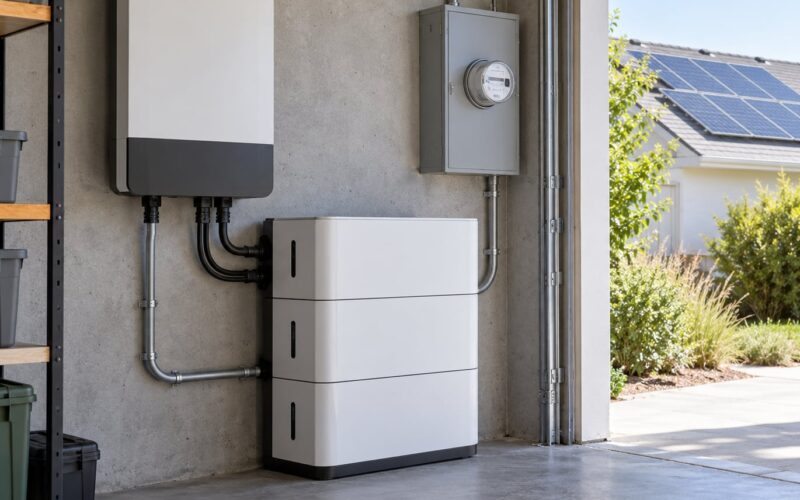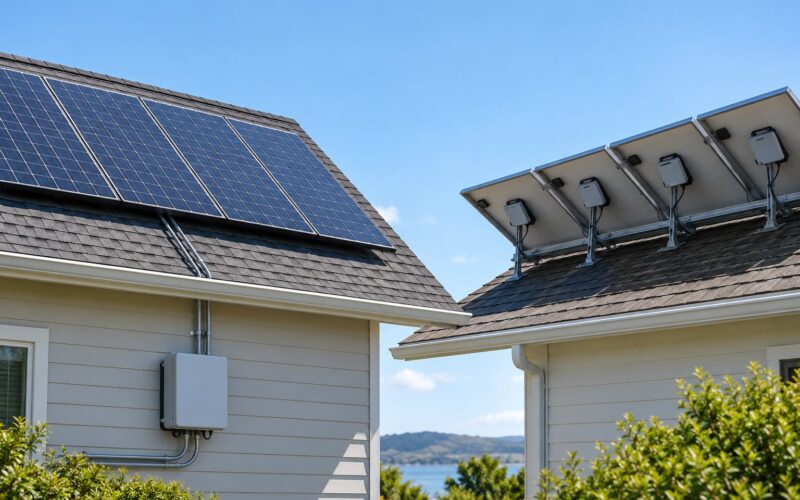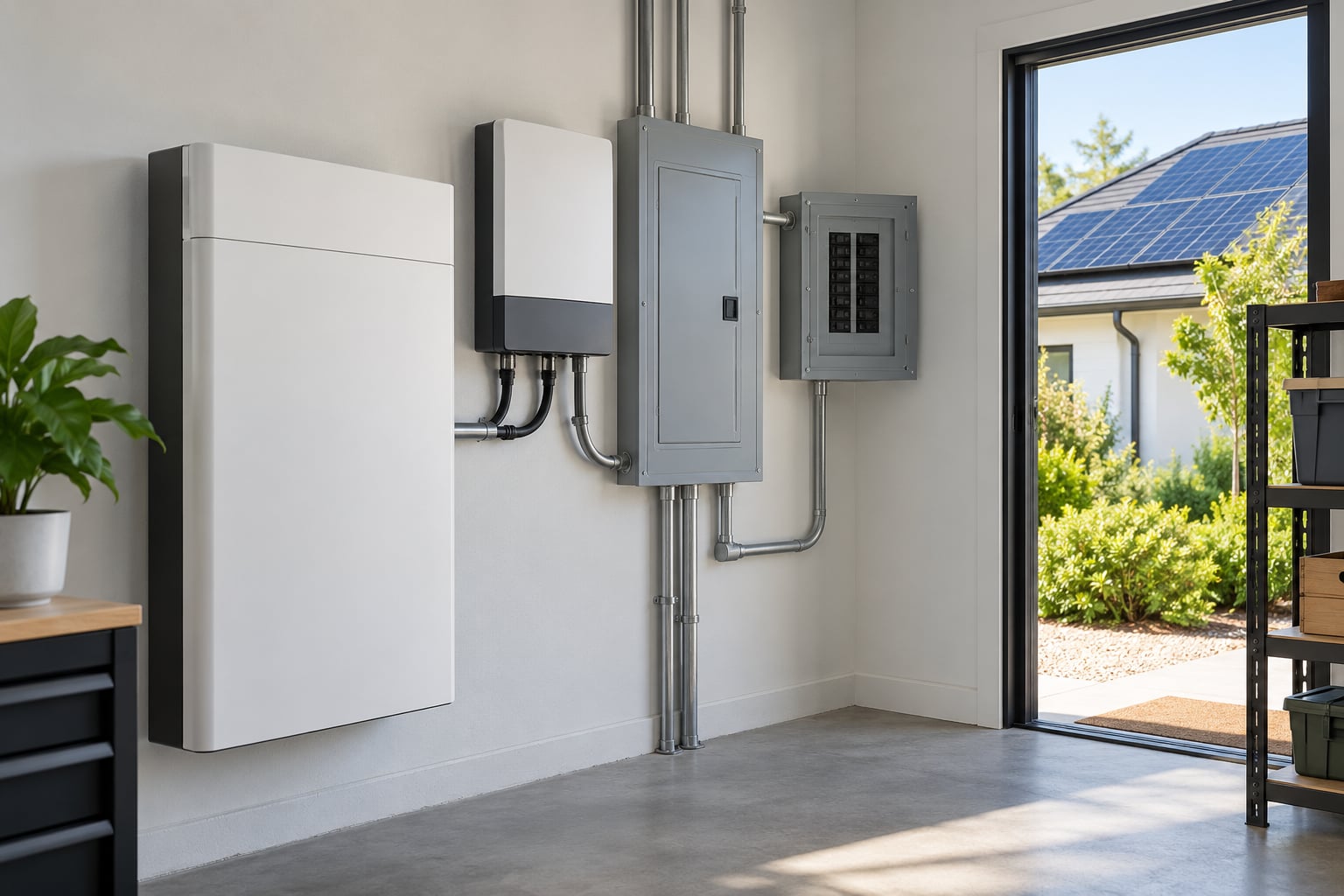
A home battery backup system is a rechargeable battery, an inverter and a transfer device working together: when the grid fails, the transfer device isolates your house from the utility, the inverter converts the battery’s stored DC electricity into the 240V AC your appliances need, and selected circuits keep running until the stored energy runs out, solar replenishes it, or the grid comes back.
That is the whole mechanism, and it is genuinely simpler than the marketing makes it sound. What confuses people is not the chemistry or the electronics — it is the handoff. Nothing happens until the system physically separates your home from the utility line, and almost every question I see about this topic is really a question about that separation.
This guide walks through the parts, the charging options, the minute-by-minute sequence during an outage, what a battery realistically powers, and how to size one without over- or under-buying. I have kept it brand-neutral on purpose. The top results for this query are almost all written to sell a specific system, which is exactly why the honest limits are so hard to find.
Table of Contents
- What Is Home Battery Backup?
- How Home Battery Backup Works in a Typical Setup
- How Home Battery Backup Works Step by Step
- What Are the Main Components?
- How Does a Home Battery Get Charged?
- What Happens During a Power Outage?
- What Can a Home Battery Power?
- How Much Battery Backup Do You Need?
- Standalone, Grid-Tied, or Hybrid Battery Backup?
- What Are the Benefits and Limitations?
- How to Choose and Install a Battery Safely
- Frequently Asked Questions
- Does a home battery work without solar panels?
- How long does a home battery last during an outage?
- Can a home battery power the whole house?
- Why does a home battery shut off during an outage?
- Do I need an electrician to install a home battery?
- What to Do First
What Is Home Battery Backup?
Home battery backup is a system that stores electricity in lithium batteries inside your house and supplies it to your home when the utility cannot. It normally sits between your main electrical panel and the utility connection, and it can run independently of the grid or sit alongside solar panels.
It serves three overlapping groups. The first is anyone in an area with frequent or long outages, including wildfire public safety power shutoff zones, rural properties on long feeder lines, and hurricane or ice storm areas. The second is households running powered medical equipment, home oxygen, or refrigeration that must stay cold. The third is people who already have solar and want to use more of what they generate instead of exporting it or watching it shut off in an outage.
It is worth separating this from a portable power station. A portable unit is a suitcase-sized box with a couple of outlets and maybe a cigarette lighter socket. It handles a phone, a laptop, a small fan, a few hours of lights. A home system is a permanently installed appliance wired into a panel, sized in kilowatts rather than watts, and capable of running a refrigerator or a heat pump compressor through a proper transfer device.
Its relationship to the grid, solar and your circuits is simple: the grid is the normal source, solar is an optional second source, and a backup panel defines which house circuits the battery is allowed to serve.
How Home Battery Backup Works in a Typical Setup
In a typical setup the battery charges from the grid, from solar, or from both. When utility power fails, an automatic transfer device detects the outage and physically disconnects your home from the grid. The inverter then converts stored energy into household AC power for your backup circuits until the grid returns or the battery hits its reserve limit. Nothing is switched by hand.
How Home Battery Backup Works Step by Step
This is the sequence I would want explained to me before signing anything. It happens without your involvement, and most of it happens in fractions of a second.
- Utility power drops. Either the grid fails, a fuse or recloser opens upstream, or the utility de-energizes your address during a public safety shutoff. Voltage at your main panel collapses within a fraction of a cycle.
- The system detects the loss. Monitoring electronics watch the incoming grid voltage and frequency continuously. When the readings fall outside the acceptable window for a set number of cycles, the system declares an outage.
- The transfer device opens. The automatic transfer switch, or its integrated equivalent, breaks the connection between your home and the utility supply. This is the safety-critical step. A home that stayed connected to a dead grid while also generating or discharging energy would be feeding a dead wire, which is how line crews get electrocuted.
- The inverter forms its own grid. With the utility disconnected, the inverter switches from grid-following to grid-forming. It creates the reference voltage and frequency that your appliances need, typically matching 120V split-phase 240V at 60 Hz in North America.
- The battery discharges. Stored DC energy flows into the inverter at whatever rate your loads demand. The battery management system watches cell voltage, temperature and state of charge, and throttles or stops output before any cell is pushed outside its safe range.
- Loads are served, and replenished if possible. Solar production, if the system has a solar input and there is daylight, can recharge the battery while the house runs. A generator, on systems wired for it, may start automatically once state of charge falls below a set threshold.
- The grid returns and the system re-synchronises. When utility power comes back, the inverter waits, matches the utility’s voltage and frequency closely enough to re-close, and the transfer device switches back to grid supply. The battery then recharges under whatever strategy you configured.
Switchover time is the number most people ask about first, and it is the number that surprises them least. Grid-forming residential systems can transfer in roughly 20 milliseconds, which is fast enough that most computers, televisions and routers do not notice the interruption. A standby generator typically takes 10 to 30 seconds to start, stabilise and hand off. That gap is the main functional difference between the two technologies.
| Time | What is happening | What you notice |
|---|---|---|
| 0 to 0.02 s | Grid voltage collapses and is detected | Nothing yet |
| 0.02 to 0.2 s | Transfer device opens, inverter forms a local grid | Lights may flicker once |
| 1 to 5 s | Battery discharge ramps to match house draw | Lights, fridge and internet stay on |
| 5 s to 1 min | System settles at a stable state of charge and output | House runs normally on battery |
| Daylight hours | Solar production recharges the battery | State of charge recovers |
| Grid return | Re-synchronisation, then transfer back to grid supply | Battery refills |
What Are the Main Components?
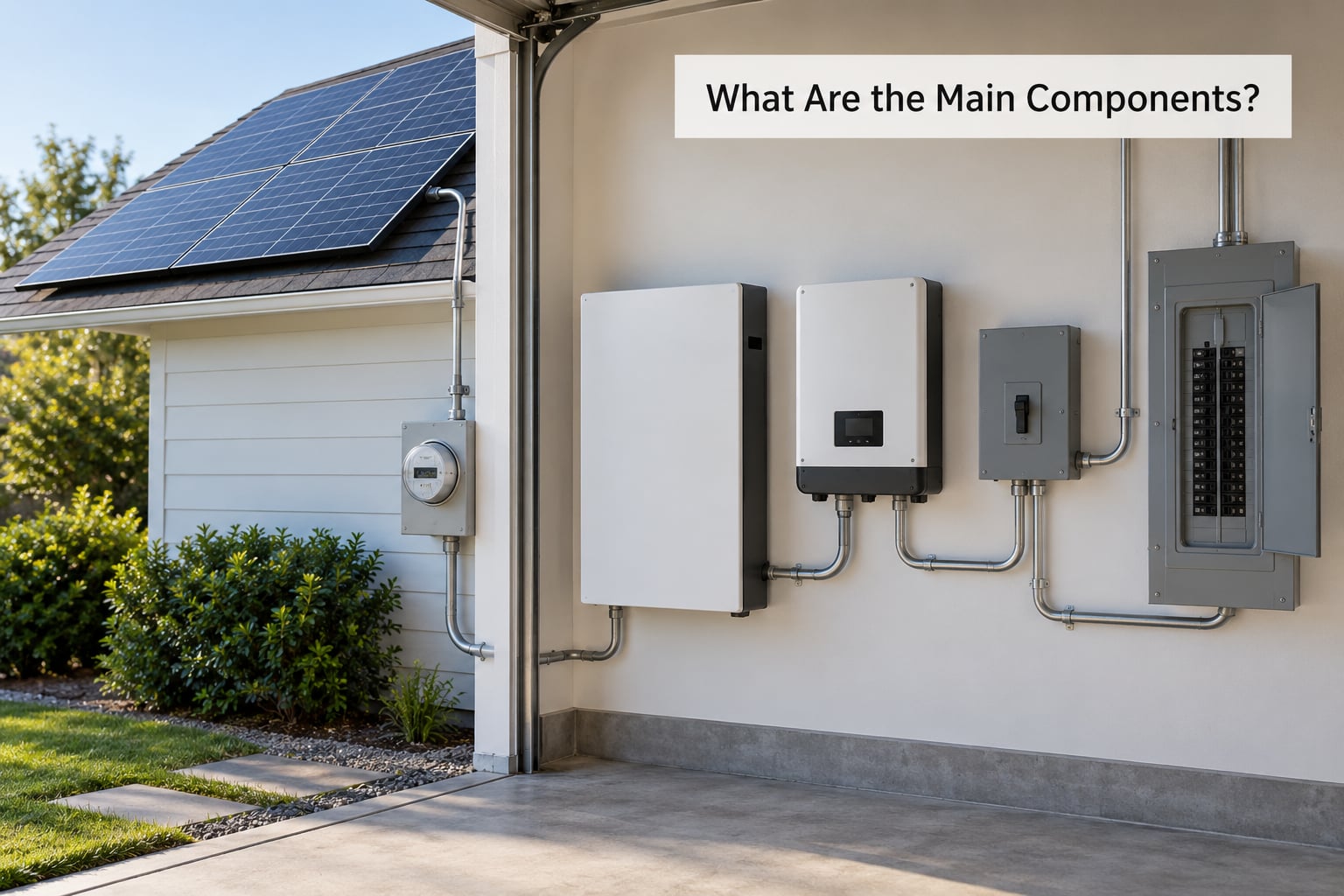
Every home battery backup, regardless of brand or architecture, is assembled from the same handful of jobs. Some manufacturers combine several of these into one enclosure.
| Component | What it does |
|---|---|
| Battery modules | Store energy chemically and release it as DC electricity. Lithium iron phosphate is the dominant chemistry in current residential systems. |
| Battery management system | Tracks each cell’s voltage and temperature, balances charging, and disconnects the pack if anything drifts outside its safe window. |
| Inverter | Converts the battery’s DC output into 240V AC household power, and handles grid-forming during an outage. |
| Automatic transfer switch or integrated transfer control | Physically isolates your home from the utility line and routes power from the right source. |
| Backup load panel | A separate subpanel holding the circuits that stay live during an outage. |
| Solar input | Optional DC connection that lets panels charge the battery and serve the house directly. |
| Monitoring equipment | Usually a cellular or Wi-Fi module feeding an app that reports state of charge, output and fault codes. |
Two terms cause more confusion than anything else in this space. Capacity, measured in kilowatt-hours, tells you how much energy is stored. Output, measured in kilowatts, tells you how much power it can deliver at one moment. A system can have enormous capacity and still fail to start a heat pump compressor, because capacity and output are different limits.
A third term, state of charge, is simply the battery’s remaining energy as a percentage. Every sizing conversation eventually becomes a question about what state of charge you want to keep in reserve on a normal day so you still have something left when the outage starts.
How Does a Home Battery Get Charged?
Charging is where most of the confusion about payback comes from, because a battery that only ever fills during an outage is a very expensive insurance policy. Most systems are configured to do more than one of these at once.
| Energy source | Typical use | Cost effect | Best fit for |
|---|---|---|---|
| Grid charging | Top up overnight or during cheap hours | Moves consumption to lower-rate periods; losses mean you pay slightly more than the stored energy is worth | Homes without solar, or homes that want a full battery every morning |
| Solar charging | Store midday production for evening use | Shifts self-consumption, which is usually the cheapest energy you can get | Homes with panels that would otherwise export a lot |
| Hybrid | Solar first, grid to fill the rest or top up overnight | Best of both, with the most configuration options | Most modern whole-home installations |
| Time-of-use optimisation | Hold charge back until peak pricing starts | Aims to avoid the most expensive hours rather than the most energy | Households on peak pricing with a predictable evening peak |
The reserve strategy is a real decision, not a technicality. Some owners deliberately keep a percentage of capacity untouched on a normal day so an outage starts with a full buffer. Others run the battery flat daily to maximise savings, which is a legitimate choice on a reliable grid but leaves nothing in store when you need it most.
What Happens During a Power Outage?
Everything changes in the first half-second and then settles into a steady state that can look exactly like a normal day from inside the house. Lights stay on, the refrigerator keeps humming, and the internet router keeps its light blinking.
The changeover from grid operation to outage mode happens in two moves. First, the transfer device opens so the home is no longer connected to the utility supply. Second, the inverter takes over and forms its own voltage and frequency reference. Only after both of those are true can the battery discharge into your house.
Why does the grid have to be disconnected first? Because a de-energized utility line is not actually dead to the people working on it. If your panels or battery kept energizing that line during a crew’s outage, anyone with a line wrench would be working on a live circuit. Code requires anti-islanding protection, and grid-tied solar interconnects must shut down when utility power disappears. That is why a solar-only system goes quiet in an outage, and it is correct behavior rather than a fault. The confusion this causes is worth naming: owners assume their panels are broken, when the system is doing exactly what code required it to do.
When the battery reaches its configured reserve level, the choices are limited. The system may shut down selected non-essential circuits, hold back a reserve, start an integrated generator if one is wired in, or simply stop and wait for the grid. On a partial-home setup, load shedding is what keeps the remaining essentials alive for longer.
Households that also own a standby generator can use it as a range extender rather than as the primary source. The battery handles short gaps and small loads silently, and the generator starts only when state of charge drops below the threshold you set. It also recharges the battery, which is often a more efficient use of fuel than running the generator directly against house loads all night.
What Can a Home Battery Power?
Essential loads first: refrigeration, a few LED lights, internet and networking equipment, television, and small electronics. These are the circuits most people put on a backup panel, and a residential battery sized for essentials can carry them for a long time.
The trouble starts with motors and compressors. A central air conditioner, a heat pump, a well pump, a sump pump, a microwave and most electric resistance heating draw far more power at startup than while running. A typical central air unit can pull several thousand watts of surge on start. Many residential systems handle it. Many do not, and discovering that during a July heat wave is an expensive lesson.
| Load | Typical running draw | Startup behaviour | Realistic on a residential battery |
|---|---|---|---|
| Refrigerator | About 100 to 400 W while the compressor runs | Cycles on and off through the day | Yes, and usually the first circuit anyone backs up |
| LED lighting | About 10 W per room | No surge | Yes, cheaply |
| Router and modem | About 10 to 25 W | No surge | Yes, essential for work from home |
| TV and laptops | About 50 to 200 W | Minor | Yes |
| Central air or heat pump | About 1,000 to 3,500 W running | Several thousand watts at start | Only with a high surge rating or a soft starter |
| Well or sump pump | About 250 to 1,000 W running | Two to five times running draw at start | Possible, but check surge capacity first |
| Electric oven or range | About 2,400 W per element | Resistive, no surge spike | Drains a small battery quickly |
| EV charger | About 7,000 W or more | High sustained draw | Rarely; usually not sized for this |
Four factors decide how long any of that lasts. The first is average draw in watts. The second is how much of the nameplate capacity is actually usable, because manufacturers reserve some for safety and you should never plan to drain a battery to zero. The third is round-trip efficiency, usually somewhere in the mid-90s for a modern lithium system, so a small percentage is lost on the way in and again on the way out. The fourth is what happens after the sun goes down, which is where a lot of disappointed owners end up.
Multi-day cloudy outages are the honest failure mode of pure battery backup. Without sun for recharge, the battery is a fixed reserve of energy, and a household using several hundred watts will see its runtime shrink quickly. If you are in that situation, a generator that can recharge the battery, or a large enough solar array to matter in poor weather, changes the picture entirely.
How Much Battery Backup Do You Need?
Start from your loads, not from a catalogue. List what you want running during an outage, find the running wattage for each, and multiply watts by the hours you expect to be without power.
The arithmetic is deliberately simple: watts times hours equals watt-hours, and 1,000 watt-hours equals one kilowatt-hour. A refrigerator averaging 150 W, a router at 15 W, and 60 W of lighting is roughly 225 W of steady draw. Across 12 hours that is 2,700 Wh, or 2.7 kWh before any inverter losses. Allowing for losses and a reserve, roughly 3.5 to 4 kWh of usable capacity covers that day comfortably.
Apply the same method in reverse to sizing. If a nameplate 13.5 kWh battery delivers about 12 kWh usable after its reserve, and you want 225 W of essentials to run for 24 hours with no sun, you are short. That is the moment to choose a bigger pack, add a second module, plan on solar recharge, or accept a shorter run time.
Then check three more limits. Continuous output in kilowatts caps everything you can run simultaneously. Surge output caps what can start. Depth of discharge caps how much of the nameplate you should ever plan on. And capacity decays with age and cycle count, so sizing a little above today’s need gives you more in year ten than sizing exactly to today’s number.
Finally, check the rules that are not technical. Local electrical code, utility interconnection requirements, and the manufacturer’s instructions all constrain what you may do. A system on a critical loads panel needs the essential circuits pulled and re-terminated by a qualified installer, and anything involving your main panel or the utility connection needs permits. Those requirements are not a formality; they are the part that keeps your insurance and your neighbors safe.
Standalone, Grid-Tied, or Hybrid Battery Backup?
These three terms describe how the battery relates to the utility and to your solar, and they carry very different consequences.
| Approach | Grid dependence | Outage support | Complexity | Typical use | Main limitation |
|---|---|---|---|---|---|
| Standalone (off-grid capable) | Independent; can operate with no utility at all | Full backup, subject to capacity | Highest, often needs utility approval | Remote homes, cabins, long rural feeders | Most expensive per kWh; sizing must cover everything |
| Grid-tied (no backup) | Fully dependent on the utility | None; stops when the grid stops | Lowest | Solar self-consumption and rate savings only | Cannot help at all during an outage |
| Hybrid (grid-tied with backup) | Uses the grid normally, separates from it during an outage | Partial or whole-home, as configured | Moderate | Most current whole-home installations | Transfer device and panel work raise the install cost |
Most people asking this question want hybrid. It is the configuration where the grid is the default, the battery is the backup, and solar is the optional bonus. Standalone makes sense when grid reliability is genuinely poor or there is no grid connection to lose.
What Are the Benefits and Limitations?
The benefits are real. A battery keeps refrigeration, medical equipment, internet and lighting running without fuel, noise or a manual start sequence. It also increases how much of your own solar you actually use, shifts consumption away from expensive peak-rate hours, and in some regions reduces demand charges on commercial-style tariffs.
The limitations deserve equal space. Installation is expensive because the work happens inside your main panel and often requires permits, interconnection approval, and possibly utility inspection. Runtime is finite, which matters far more than most specifications admit. The battery is a consumable part that will lose capacity and eventually needs replacement, and the warranty terms differ a lot between manufacturers.
There is also a design dependency that no amount of brand loyalty fixes. A correctly sized battery on an undersized inverter, or one with surge output below what your compressor needs, will disappoint you at exactly the wrong moment. And for anyone relying on a partial-home setup, the honest truth is that most batteries are advertised as backup but configured to carry essential circuits only. Ask any installer about it and you will hear the same complaint: the gap between how a battery is marketed and what a typical installation actually carries is where the disappointment lives.
One more framing point. Outages at any single address are usually rare and short, which is exactly the observation people make after installing a generator and finding it ran several times in a couple of months. For some households the value is financial savings on electricity. For many it is risk reduction around medical equipment, or simply being able to keep the heat on in a frozen house. Both are legitimate reasons to buy one, and it helps to decide which one you are buying for before you start comparing.
How to Choose and Install a Battery Safely
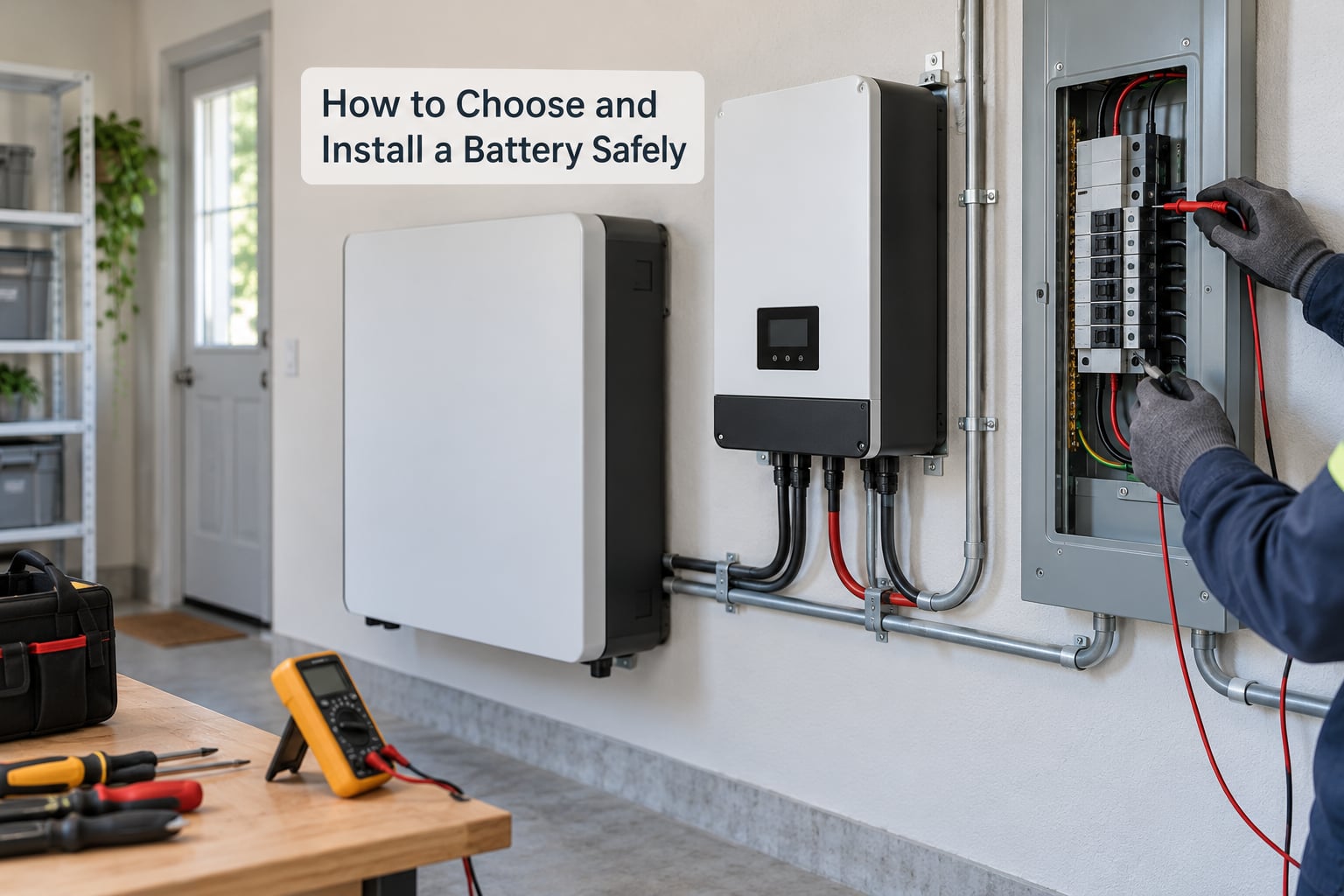
Work through this checklist before you commit to anything, and take it to whoever you are considering as an installer.
- Usable capacity, not nameplate. Ask for the figure after depth-of-discharge reserve and confirm whether the number is per battery or for the whole system.
- Continuous output in kilowatts. This is your ceiling on everything running at once.
- Surge output. Match it against the largest motor or compressor you intend to start.
- Backup circuit coverage. Get a written list of which circuits will be live during an outage and which will not. This single document removes most of the disappointment people report later.
- Transfer method. Confirm whether it uses an automatic transfer switch or an integrated transfer control, and whether grid-forming operation is included.
- Monitoring. You want remote visibility of state of charge, output and fault codes without climbing into a closet.
- Warranty and degradation terms. Look at both the years and the capacity-retention commitment, and check whether throughput limits apply.
- Compatibility. Does the battery work with solar you already own, or with a generator you already own? Confirm it before you buy.
- Permits and interconnection. A qualified installer handles these; ask to see the approvals before the system is energised.
This is licensed electrical work. Panel modifications, transfer device installation and utility interconnection must be done by a qualified electrician following the manufacturer’s instructions and local code. Do not attempt any of it yourself; the failure mode of an incorrectly isolated system is severe, and it can void your homeowner’s insurance.
Frequently Asked Questions
Does a home battery work without solar panels?
Yes. A home battery can charge entirely from the utility grid, usually overnight or during off-peak hours, and supply power during an outage without any solar panels on the roof. Solar simply adds a second charging source and can extend runtime during a multi-day outage. Many owners start with grid charging and add panels later, though it is worth confirming the battery model supports a retrofit solar input.
How long does a home battery last during an outage?
It depends on two numbers: how much usable capacity the battery has and how many watts your home draws. A small essential-loads setup carrying a refrigerator, a router and some lights can run for a day or more on a typical home battery. A household running several thousand watts drains the same battery in a few hours. Daytime solar can extend it, but a multi-day cloudy spell is where runtime gets tight.
Can a home battery power the whole house?
Only some can. Whole-home backup requires an inverter whose continuous output covers your peak demand and whose surge rating can start every motor and compressor you want running, plus enough capacity to get through the outage. Many residential systems carry essential circuits only. Ask for a written list of what stays live and what does not before you buy, since this single question is the biggest source of buyer disappointment.
Why does a home battery shut off during an outage?
Several reasons are possible. The battery may have reached its reserve level, it may have detected a grid-tied solar shutdown through anti-islanding protection, or the transfer device may not have opened, which prevents backup power from starting at all. Repeated cycling can also trigger a fault. Check the monitoring app for a fault code and the panel for a tripped breaker, and contact the installer before attempting to reset anything.
Do I need an electrician to install a home battery?
Yes, for anything connected to your home’s wiring. Panel work, transfer device installation and utility interconnection are licensed electrical work that normally requires permits and inspection, and utility approval to operate may be needed before the system is energised. A DIY build also creates insurance and safety problems that are difficult to undo. Use a qualified installer and follow the manufacturer’s instructions exactly.
What to Do First
If you take one thing from this, make it a list. Everything downstream depends on knowing what you actually want to keep running.
- Write down your essential loads. Essential circuits only at first, with realistic wattages.
- Estimate outage duration. Check your utility’s local outage history and think about what kind of event would hit you. An evening outage and a four-day ice storm are different sizing problems.
- Decide your operating mode. Grid-tied with backup is the sensible default; standalone is only necessary where grid reliability is genuinely poor.
- Get at least three quotations. Ask each one for the same written circuit list, usable capacity, continuous and surge output, and warranty terms, so the answers can be compared side by side.
- Have a licensed electrician verify the design. Permits, interconnection and the transfer method are the parts that decide whether the system is legal and actually protects your home.
The mechanism itself is not complicated. A battery stores energy, an inverter turns it into usable power, and a transfer device makes sure that power never touches a de-energized utility line. What makes a system good or bad is entirely in the sizing, the circuit list and the installation. Get those three right and the rest is a monitoring app.